
Your profile is how you appear to others on LiveStacks.co. You can manage it from your account settings, which you can open from the avatar in the top-right corner.
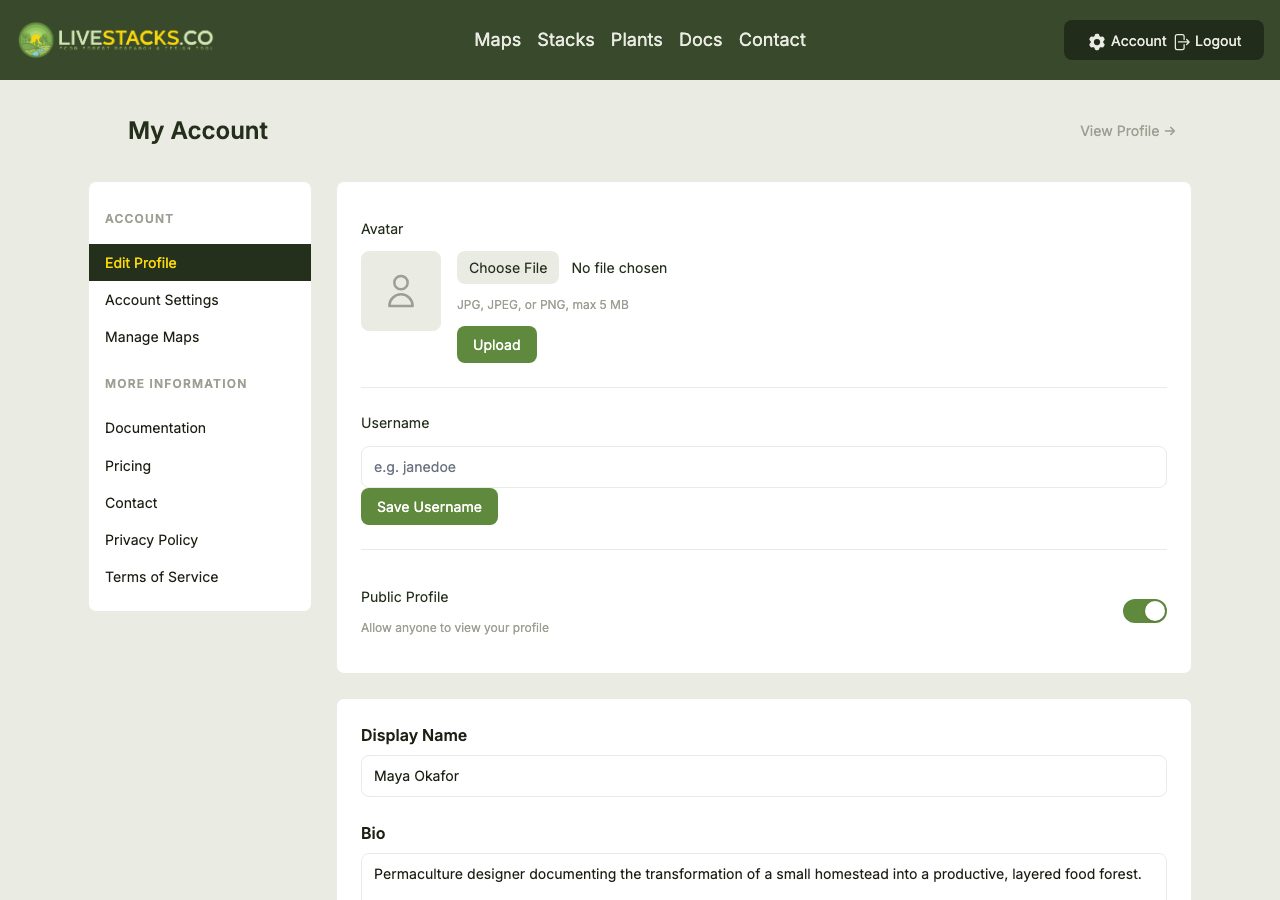
Your profile includes:
- Username - a unique handle that gives you a public profile page
- Display name - the name shown alongside your contributions
- Avatar - a profile picture (JPG or PNG)
- Bio, location & types - a short description, your region, and how you'd describe yourself (e.g. practitioner, researcher)
Important
Your profile is private by default. Making it public creates a shareable profile page and lets collaborators recognize you on shared Map teams. You can switch back to private at any time.
Your account settings are also where you manage your email and password, and your Map subscriptions.