
Maps can be a collaborative effort. The Team feature lets you invite others to view and edit your Map, which is useful for working with family, partners, designers or landscapers on the same property. Open it by clicking 'Team' in the main menu.
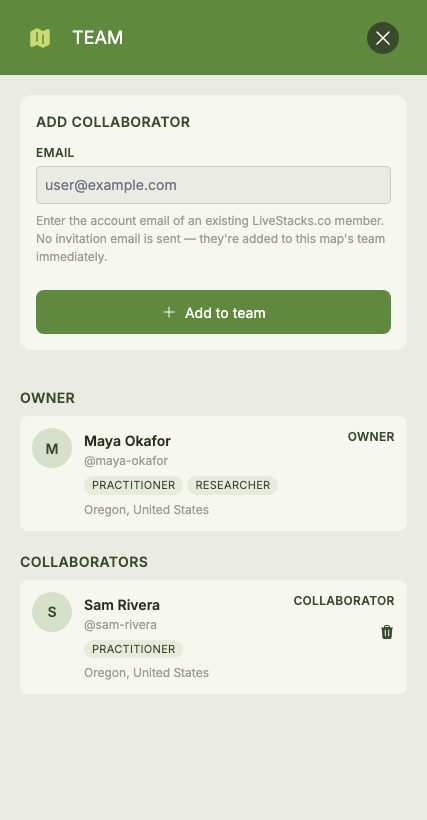
Teams are also a great fit for teaching. Permaculture instructors can add their students as collaborators and design together on a shared Map, and because pricing is per Map rather than per user, an entire class can take part for the same price. Students can also invite their instructor onto their own Map for feedback, or add peers to collaborate on and review each other's designs.
Inviting Collaborators
Enter a collaborator's email address to invite them. They must already have a LiveStacks.co account — this can be a free account or a premium one, as any account can be added to a Team. Once added, they can view and edit the Map alongside you.
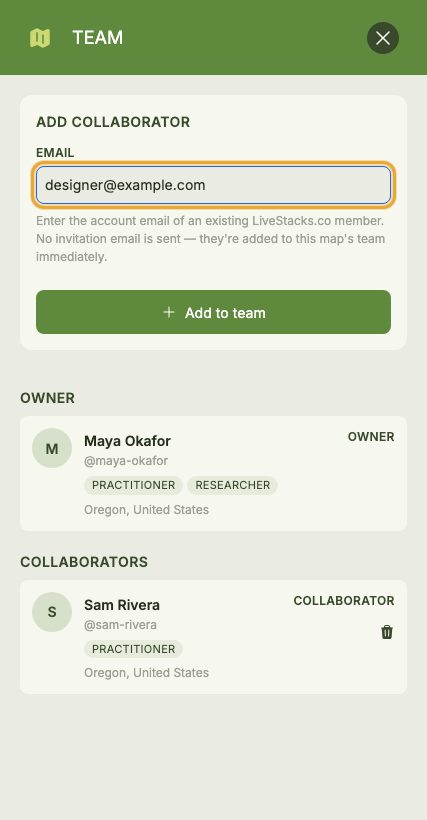
The Team panel lists the Map owner and all collaborators. Collaborators with a public profile are shown with their name and avatar. You can remove a collaborator at any time.