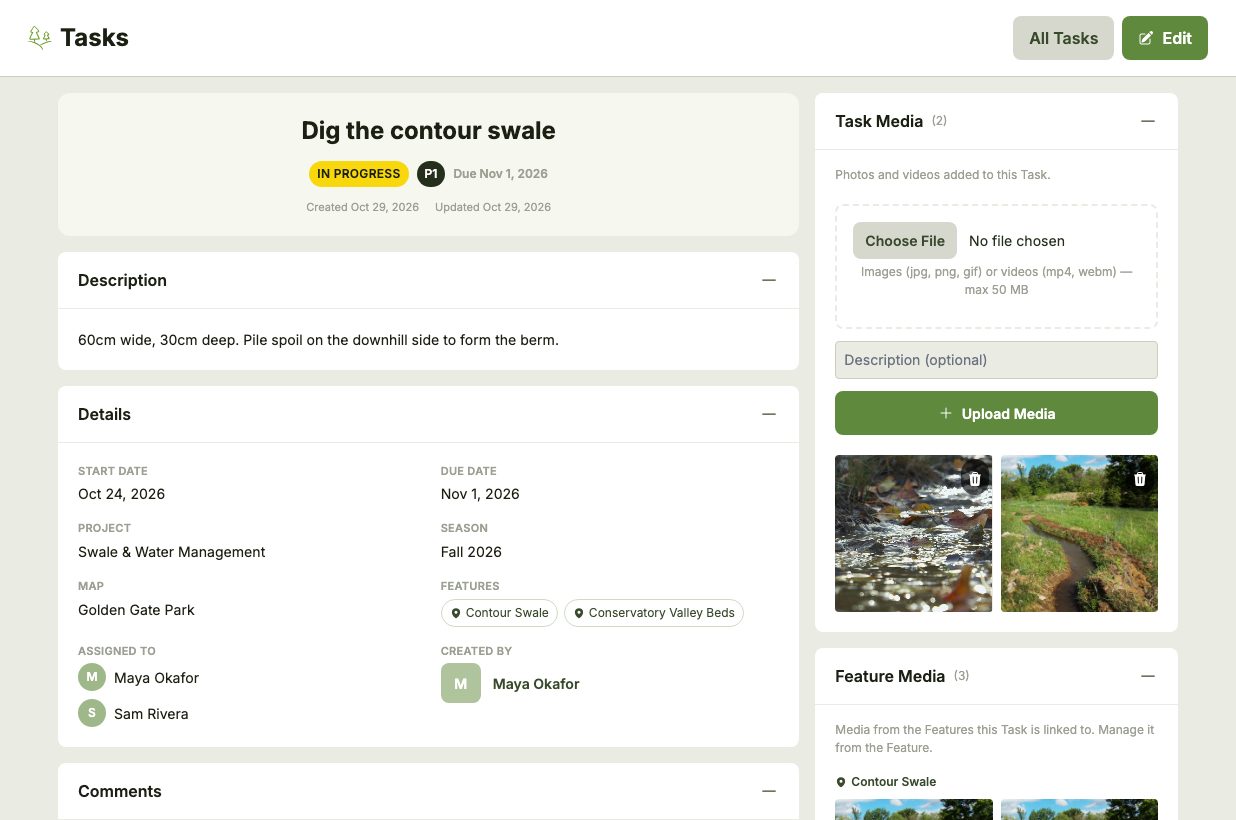
Click a Task's title to open its page, which shows everything about it in one place: its status, priority, dates, Project, Season, linked Features, assignees and who created it.
Comments
Work outdoors rarely goes exactly to plan. Rain, frost or waterlogged soil can push a Task back by days or weeks. Use a Task's comments to record progress and explain why something moved, so everyone on the Team knows where it stands.
Media
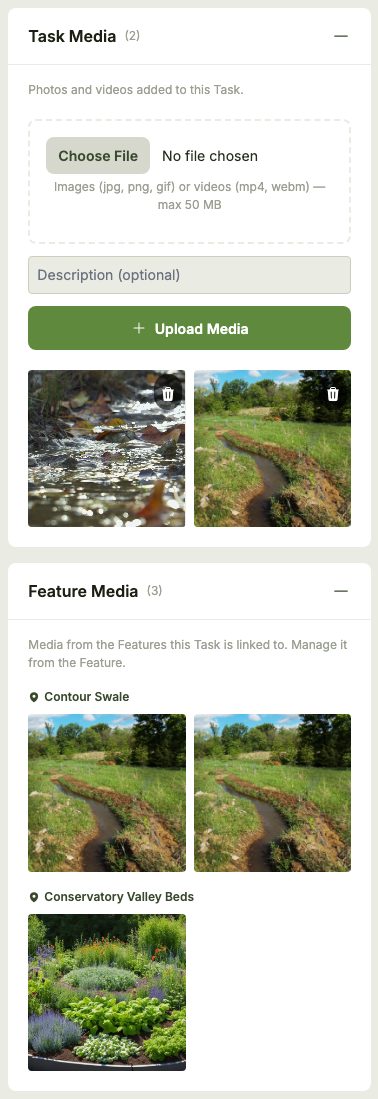
Add photos and videos to a Task under Task Media — before and after shots, progress pictures or a photo of the problem that needs solving. Each can have an optional description, and clicking one opens it full size.
If the Task is linked to any Features, Feature Media also shows the photos and videos already added to those Features, giving you the history of that spot at a glance. Feature media is managed from the Feature itself.