
Type in the search box at the top of the Tasks page to find Tasks by words in their title or description. For more specific results, open the Filters drawer with the filter button beside Create.
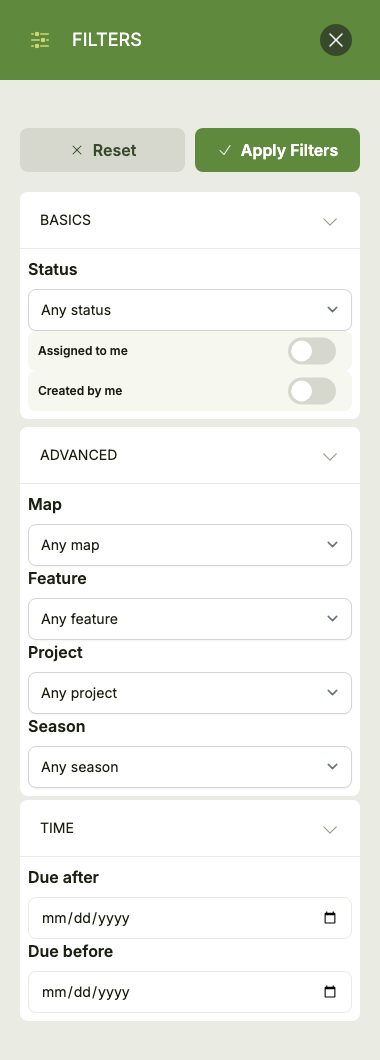
Tasks can be filtered by:
- Basics: status, and whether you're assigned to or created the Task.
- Advanced: the Map, Feature, Project or Season the Task belongs to.
- Time: Tasks due after and/or before a date.
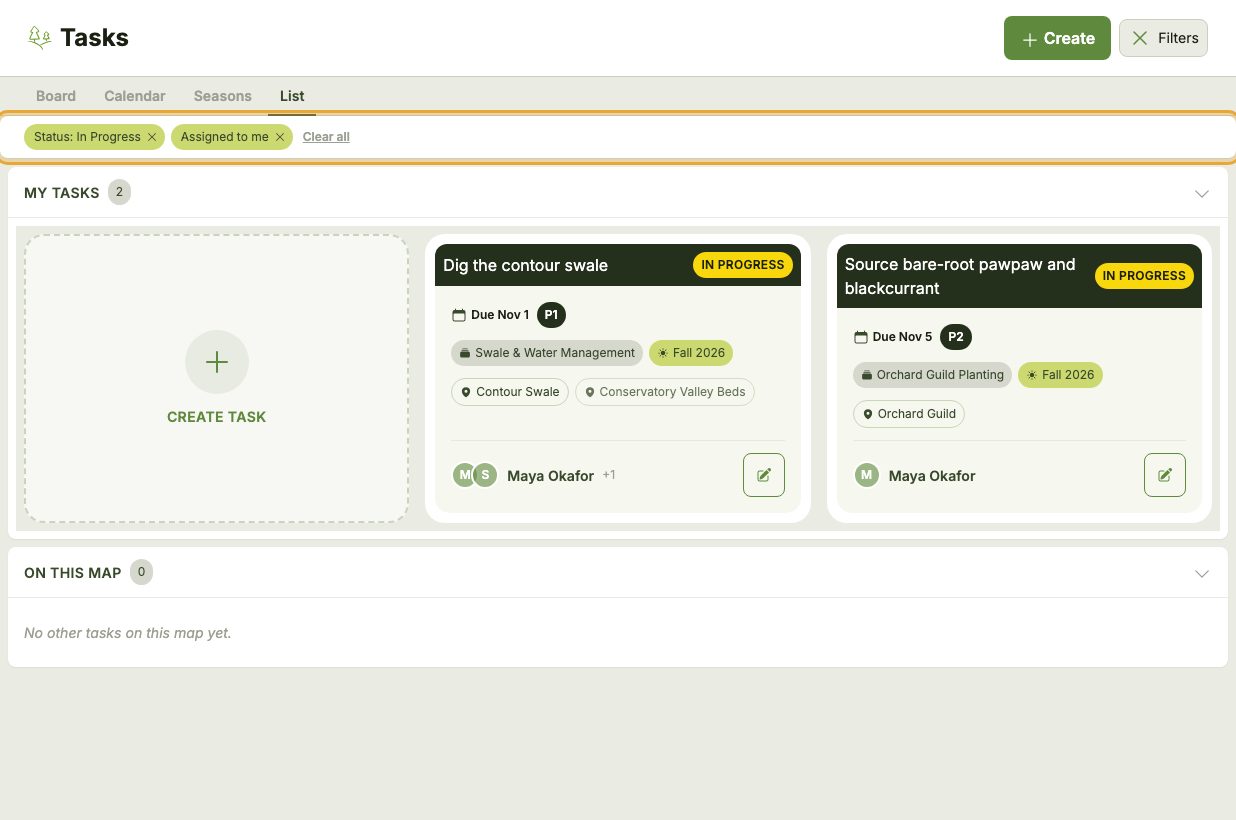
Click Apply Filters to update the results. Each active filter appears as a tag above the Tasks — click the x on a tag to remove that filter, or Clear all to start over.
Quick Filters
The Project, Season, Map and Feature chips on a Task card are shortcuts: click one to instantly show only the Tasks that share it.
Important
Filters stay applied as you switch between the Board, Calendar, Seasons and List views. The Calendar doesn't use the search box (a month of markers can't show which Tasks matched), but all the other filters still apply.